How to Choose Software: 10 Proven Tips to Thrive in 2026

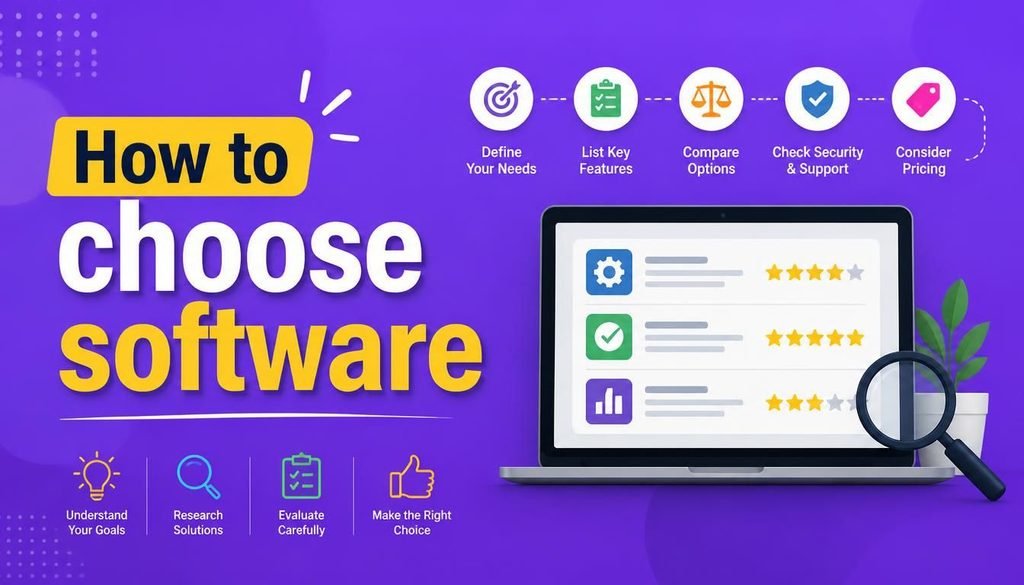
Finding the right digital tools today can feel surprisingly overwhelming. With tens of thousands of cloud-hosted applications available across accounting, project management, customer relationship management (CRM), design, cybersecurity, and artificial intelligence, the marketplace is saturated with promises.
The primary challenge modern professionals face is not finding software—it is selecting the right software.
It is remarkably easy to get lured in by shiny marketing campaigns, only to end up paying for enterprise features you never use, wrestling with an overly complex user interface, or realizing the application cannot integrate with your daily workflow.
Learning how to choose software strategically is an essential skill in 2026.
Whether you are a freelancer, a startup founder, a remote worker, or an IT administrator, this guide breaks down how to choose software logically so you can minimize subscription costs and maximize daily productivity.
Why Knowing How to Choose Software Matters
Software choices directly dictate how efficiently your team operates and how securely your corporate assets are stored.
Selecting the right application helps you:
- Automate repetitive administrative chores
- Eliminate communication silos across remote teams
- Protect sensitive client and financial data
- Control recurring SaaS subscription budgets
Conversely, adopting the wrong application leads to software bloat, steep employee learning curves, unexpected upgrade fees, and fragmented workflows. Understanding how to choose software prevents these costly operational mistakes before you commit to a long-term contract.
Step 1: Identify the Specific Problem First
Before browsing app marketplaces, step back and define the exact operational bottleneck you are trying to solve.
Instead of asking, “What is the most popular software on the market?” frame your search around clear business outcomes:
┌─────────────────────────────────────────────────────────────┐
│                 Problem-to-Solution Framework               │
├───────────────────────────────┬─────────────────────────────┤
│ Daily Bottleneck              │ Targeted Software Category  │
├───────────────────────────────┼─────────────────────────────┤
│ Unorganized client details    │ CRM Platform                │
│ Chasing late payments         │ Automated Invoicing App     │
│ Scattered team discussions    │ Centralized Messaging Hub   │
│ Credential leaks & weak logins│ Encrypted Password Manager  │
└───────────────────────────────┴─────────────────────────────┘
Defining your primary problem prevents impulse purchases driven by temporary hype.
Step 2: Categorize Essential vs. Unnecessary Features
When evaluating application feature lists, divide capabilities into three distinct categories:
- Must-Have Features: Non-negotiable capabilities required for basic daily operations.
- Nice-to-Have Features: Helpful additions that add convenience but are not deal-breakers.
- Unnecessary Features: Complex enterprise tools that add bloat and elevate costs.
Knowing how to choose software means prioritizing simplicity. A lightweight application that your team adopts immediately is far more valuable than an feature-heavy suite that everyone avoids.
Step 3: Calculate the Real Total Cost of Ownership (TCO)
A primary trap when learning how to choose software is looking only at advertised starting prices. SaaS pricing models frequently lock key functionality behind higher tiers.
Always calculate the true Total Cost of Ownership (TCO) by checking:
- Per-Seat Pricing Limits: Does the price surge significantly when adding team members?
- Add-On Fees: Are data storage, advanced reporting, or automated workflows billed separately?
- AI Usage Caps: Does the vendor charge extra tokens for generative AI features?
Evaluate how pricing scales over a 12-to-24-month horizon as your user base expands.
To explore how subscription management impacts business growth, review our complete guide on the Top SaaS Tools 2026.
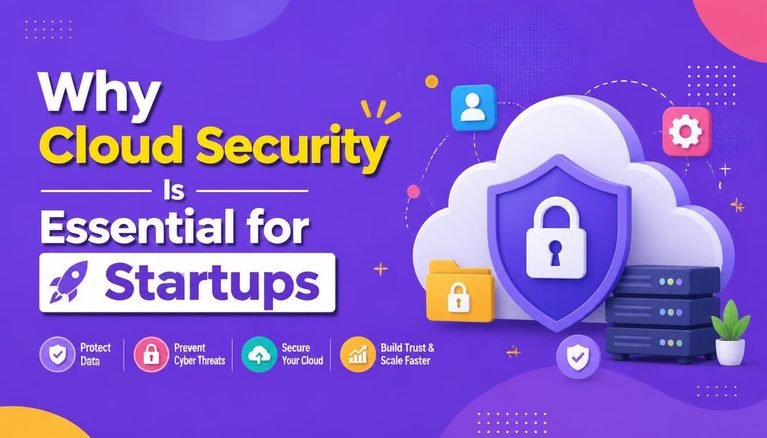
Step 4: Audit Cloud Security Controls and Compliance
Security must be a primary evaluation metric whenever software stores sensitive client data, source code, or financial records.
Leading cybersecurity authorities like the Cybersecurity and Infrastructure Security Agency (CISA) continuously urge organizations to evaluate vendor access controls before granting third-party software access to corporate data.
When analyzing how to choose software securely, ensure the provider supports:
- Mandatory Multi-Factor Authentication (MFA)
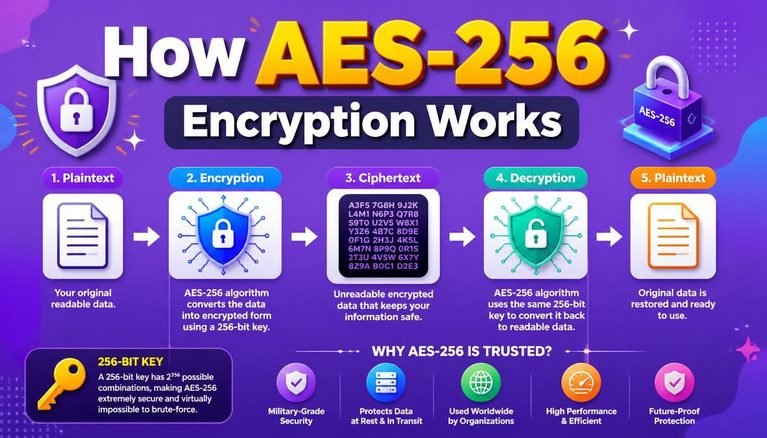
- End-to-end data encryption (both in transit and at rest)
- Role-based access control (RBAC) to enforce the Principle of Least Privilege
To establish strict user security policies across your company apps, read our guide on Easy SaaS Security Rules.
Step 5: Verify Ecosystem Integrations and APIs
Standalone applications that cannot communicate with your existing software stack create manual data-entry bottlenecks.
Before making a purchasing decision, verify whether the software offers native integrations with your core environment (e.g., Google Workspace, Microsoft 365, or Slack). If native integrations are unavailable, check if the vendor provides open API documentation or supports third-party webhooks.
Developers and engineering teams frequently share custom integration scripts and software deployment templates on developer hubs like GitHub, helping teams bridge compatibility gaps easily.
Step 6: Test Real Workflows During Free Trials
Never purchase software based solely on polished marketing videos or landing page claims.
Mastering how to choose software requires hands-on testing during a free trial or sandbox environment. During your trial run, execute actual daily tasks:
- Create real projects and assign team permissions
- Test file upload speeds and mobile responsiveness
- Trigger automated notifications and evaluate dashboard alerts
- Attempt exporting a full data set to verify portability
Testing real workflows for 30 minutes reveals more usability insights than hours of reading sales literature.
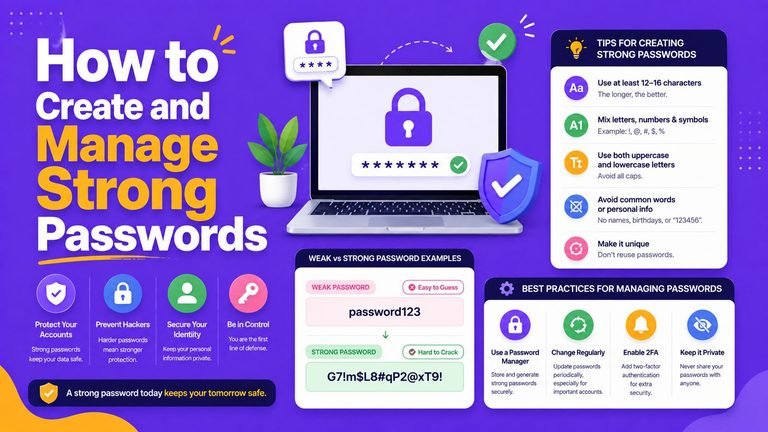
To protect your login credentials while setting up new trial accounts, check out our guide on How to Create and Manage Strong Passwords.
Step 7: Demand Data Portability and Avoid Vendor Lock-In
Vendor lock-in occurs when a software provider makes it extremely difficult or expensive to export your data if you decide to switch platforms later.
Before committing to a contract, confirm:
- Can data be exported in standard formats (CSV, JSON, SQL, or PDF)?
- Does the provider charge hidden fees for bulk data retrieval?
- Are audit logs and historical client communication records fully exportable?
Maintaining full control over your data ensures operational agility if your business requirements change down the road.
Software Selection Evaluation Checklist
Use this practical scorecard when comparing competing software candidates:
| Evaluation Criteria | Key Question to Ask | Score (1–5) |
| Problem Match | Does this tool directly solve our primary operational bottleneck? | ⬜ |
| Usability | Can non-technical team members use it without extensive training? | ⬜ |
| Cost Predictability | Is the per-seat pricing transparent as our team scales? | ⬜ |
| Security Standards | Does the vendor support MFA, encryption, and role permissions? | ⬜ |
| Integration Power | Does it connect natively to our existing messaging and storage hubs? | ⬜ |
| Data Portability | Can we export our entire database effortlessly if needed? | ⬜ |
Final Thoughts
Understanding how to choose software effectively is about matching functional capabilities with your team’s real-world operational habits. Rather than chasing trendy platforms with exhaustive feature lists, focus on software that solves your immediate problem cleanly and scales predictably.
Now that you know how to choose software step by step, start by defining your core requirements, testing trial environments thoroughly, enforcing strict cloud security controls, and choosing tools that empower your business to thrive.
Frequently Asked Questions (FAQs)
What is the biggest mistake people make when choosing software?
The most common mistake is buying software based on popularity or feature volume rather than identifying specific operational bottlenecks first. This leads to paying for complex enterprise features that go unused.
Should small businesses prioritize free software plans over paid subscriptions?
Free tiers are excellent for testing workflows and serving early-stage operations. However, as team sizes grow, upgrading to paid plans becomes necessary to unlock critical administrative controls, dedicated customer support, and advanced security settings.
How do I know if an AI-powered software feature is actually useful?
Evaluate whether the AI feature provides measurable time savings—such as automating document summaries or generating instant data insights—rather than serving as a novelty add-on that inflates subscription costs.
Share Your Experience
What is your primary decision factor when evaluating new software tools? Do you focus most on pricing, ease of use, security, or integrations? Share your thoughts or ask questions in the comments below!

7 Comments