Simple SaaS Pricing Guide: 7 Proven Models to Thrive in 2026

Software as a Service (SaaS) has completely replaced traditional desktop installations. Instead of paying a large upfront license fee to own software indefinitely, individuals, freelancers, and growing businesses now pay recurring fees to access tools over the internet.
Whether you rely on cloud accounting, project management dashboards, customer support desks, or AI writing assistants, SaaS products power daily operations.
However, evaluating software costs has become tricky. One vendor charges per employee seat, another charges based on storage or API credits, and a third layers AI usage fees on top of a base monthly plan.
This simple SaaS pricing guide breaks down how modern software billing works in 2026. By understanding how different models function through this simple SaaS pricing guide, you can avoid surprise monthly charges, negotiate better contracts, and keep your software expenses strictly under control.
What Is SaaS Pricing and Why Has It Shifted in 2026?
SaaS pricing represents the structured model a software vendor uses to charge customers for ongoing access to its platform. Unlike legacy licenses that charged a lump sum for fixed computer software, cloud software operates on recurring billing cycles (monthly or annually).
In 2026, the rise of artificial intelligence and automated agents has fundamentally altered how vendors structure their plans. As outlined in this simple SaaS pricing guide, traditional per-seat pricing assumes every user consumes similar server resources. But when AI agents perform tasks that once required multiple team members, vendors are shifting toward usage meters and outcome-based charges.
┌─────────────────────────────────────────────────────────────┐
│                 Modern SaaS Pricing Hierarchy               │
├──────────────────┬──────────────────┬───────────────────────┤
│ Fixed Base Fee   │ Variable Usage   │ Outcome / Value       │
│ (Core Platform)  │ (Seats / Tokens) │ (ROI / Resolution)    │
└──────────────────┴──────────────────┴───────────────────────┘
Understanding these shifts through this simple SaaS pricing guide allows you to select plans that align directly with the value you receive.
7 Proven SaaS Pricing Models Explained
Software vendors select pricing structures based on their compute costs and target market. Below are the seven core models highlighted in our simple SaaS pricing guide.
1. Flat-Rate Pricing
Flat-rate pricing is the most straightforward model available. Everyone pays the exact same fixed rate for access to the entire platform, regardless of team size or feature usage.
- Example: Basecamp charging a single flat monthly fee for unlimited projects and users.
- Best For: Small teams or tools where usage does not fluctuate wildly across users.
- Main Drawback: Small teams may overpay compared to their actual utilization.
2. Per-User (Seat-Based) Pricing
Per-user pricing charges a fixed monthly fee for every team member who receives a login account. Your total bill scales linearly alongside your headcount.
- Example: Slack or Google Workspace charging $8 to $18 per seat each month.
- Best For: Collaborative workspaces where every team member needs individual access daily.
- Main Drawback: Costs inflate rapidly as your company grows, which sometimes causes teams to improperly share credentials.
To learn how to protect shared corporate credentials and enforce strong security across all employee logins, read our guide on How to Create and Manage Strong Passwords.
3. Tiered (Good, Better, Best) Pricing
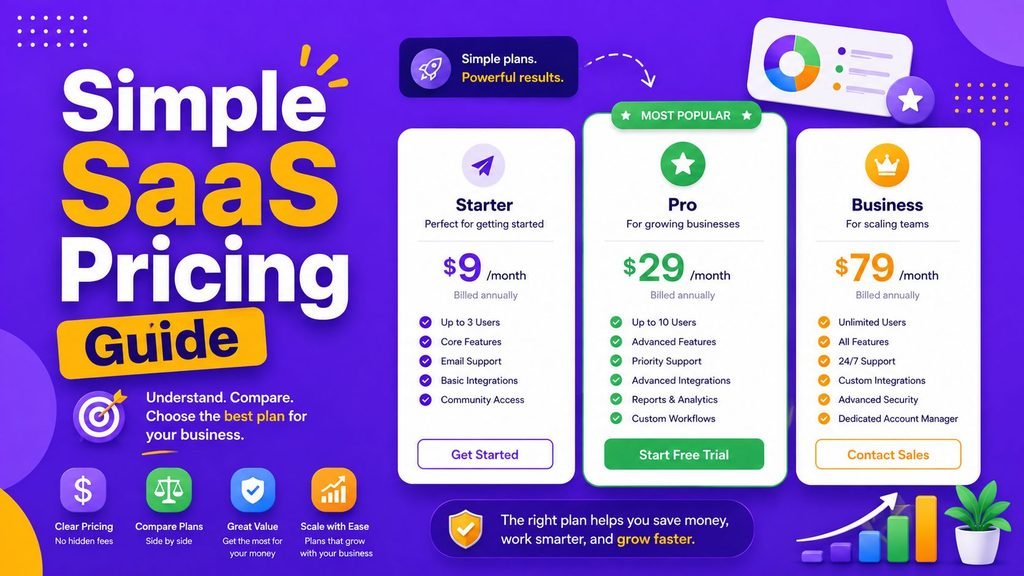
Tiered pricing offers several package options (often labeled Starter, Professional, and Enterprise). Each tier packages specific features, usage limits, or support levels at distinct price points.
  [ Starter Tier ]      --> Basic features & small storage limits
  [ Professional ]      --> Advanced automation & team permissions
  [ Enterprise Tier ]   --> Dedicated account support & custom SSO
- Best For: Businesses of varying sizes that need clean upgrade paths as their needs mature.
- Main Drawback: Vendors often bundle one crucial feature into higher-priced tiers, forcing you to pay for unused tools.
4. Usage-Based (Pay-As-You-Go) Pricing
Usage-based pricing ties your monthly bill directly to how much of the service you consume. Metrics include API requests, gigabytes of cloud storage, sent emails, or processed payment transactions.
According to enterprise procurement research from Spendflo, over 65% of modern cloud vendors now incorporate consumption-based billing meters to reflect infrastructure usage accurately.
- Best For: Seasonal businesses or developer tools with fluctuating monthly traffic.
- Main Drawback: Monthly expenses can become difficult to forecast accurately.
5. Freemium Model
The freemium model provides basic features at zero cost while placing premium capabilities, user expansion, or advanced analytics behind paid subscription tiers.
- Best For: Freelancers, students, and early-stage startups evaluating new tools before committing funds.
- Main Drawback: Free plans carry strict usage caps that can disrupt workflows once team activity increases.
6. Hybrid & AI Token Pricing
Hybrid pricing combines a predictable base subscription with variable usage-based fees. As emphasized in this simple SaaS pricing guide, this has become the dominant model for AI-powered platforms in 2026.
Vendors charge a fixed fee for core dashboard access and allocate a monthly pool of AI credits or tokens. If your team exceeds your monthly credit allocation, usage converts to pay-as-you-go rates.
- Best For: AI writing assistants, automated code generators, and data analytics hubs.
- Main Drawback: Unmonitored automated workflows can generate unexpected overage fees.
For a step-by-step breakdown of how to evaluate hybrid applications before purchasing, read our guide on How to Choose Software.
7. Enterprise Custom & Outcome-Based Pricing
Enterprise custom pricing is negotiated directly with a sales team. In 2026, some platforms are also introducing outcome-based pricing, charging customers based on concrete results (e.g., qualified sales leads generated or support tickets resolved).
- Best For: Large organizations requiring custom integrations, dedicated account managers, and strict SLA guarantees.
Developers looking to integrate automated usage-tracking APIs routinely reference technical open-source repositories on GitHub to manage metering infrastructure.
Comparison Matrix: 7 Core SaaS Pricing Models
| Pricing Model | Billing Basis | Ideal Use Case | Primary Financial Risk |
| Flat-Rate | Fixed recurring fee | Single-persona tools | Paying for unused capacity |
| Per-User | Number of active seats | Collaboration apps | Seat inflation as headcount grows |
| Tiered | Feature & quota bundles | Growing teams | Paying for higher tiers for one feature |
| Usage-Based | Consumed resources | APIs & cloud infrastructure | Unpredictable monthly fluctuations |
| Freemium | Free tier + upgrades | Trial adoption | Sudden feature paywalls |
| Hybrid / AI | Base fee + usage credits | AI tools & workflows | Overage charges from heavy use |
| Outcome-Based | Pay for concrete results | Sales & AI automation | Complex tracking metrics |
How to Calculate Total Cost of Ownership (TCO)
A core rule outlined in this simple SaaS pricing guide is to look past advertised baseline rates.
  Base Subscription Fee
+ (Active User Seats × Per-Seat Rate)
+ (AI Tokens / Overages)
+ Premium Integration Fees
────────────────────────────────────────
= True Total Cost of Ownership (TCO)
Monthly vs. Annual Billing: Which Saves More?
Most vendors offer a 15% to 20% discount if you pay for a full year upfront.
- Choose Monthly when testing new platforms or during temporary project phases.
- Choose Annual once a tool has been validated across daily workflows for at least three months.
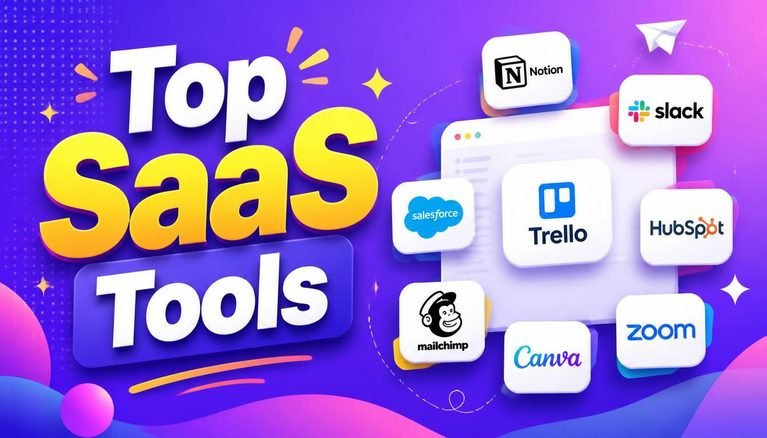
To review curated software suites that offer transparent subscription structures, explore our guide on the Top SaaS Tools 2026.
Software Procurement Checklist
Before entering payment details for a new service, follow this checklist from our simple SaaS pricing guide:
- [ ] Seat Audit: Are we paying for active users, or are inactive accounts still assigned paid seats?
- [ ] Usage Caps: What happens when we exceed our monthly API or AI credit allocations?
- [ ] Data Portability: Can we export our business records freely if we cancel?
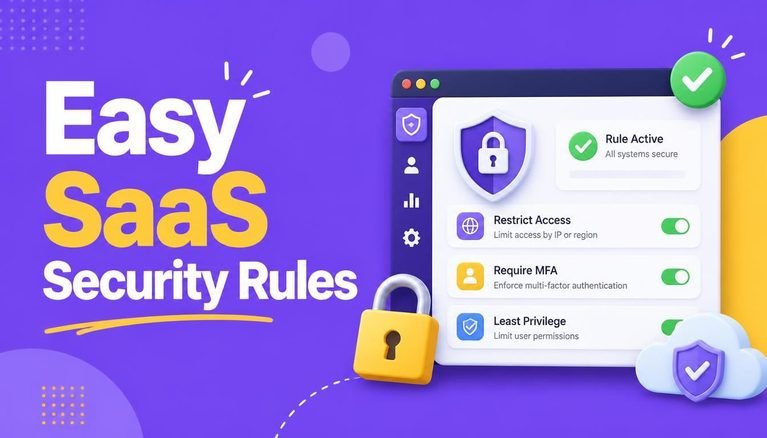
- [ ] Access Controls: Does the platform enforce Multi-Factor Authentication (MFA) across all plans?
To protect your organization’s cloud infrastructure from credential leaks, check out our guide on Easy SaaS Security Rules.
Final Thoughts
Following a comprehensive simple SaaS pricing guide keeps your operational software expenses predictable and aligned with real business value. Rather than selecting tools based solely on baseline monthly figures, evaluate seat growth, usage meters, and potential overage charges before subscribing.
By applying the principles in this simple SaaS pricing guide, you can audit your active SaaS subscriptions quarterly, remove unused user seats, and negotiate annual contracts for proven platforms to maximize your operational ROI.
Frequently Asked Questions (FAQs)
What is the primary lesson of this simple SaaS pricing guide?
The most critical lesson is to calculate the total cost of ownership rather than relying solely on starting monthly rates, especially as AI features add usage meters.
What is the most common SaaS pricing model in 2026?
Hybrid pricing—which combines a fixed base subscription with variable usage meters or AI token credits—has become the most popular model for modern SaaS platforms.
Why is per-user pricing becoming less common for AI tools?
Because AI tools allow single users to perform the workload of multiple people, per-seat pricing penalizes efficiency. As a result, AI vendors charge based on tokens or usage instead.
How can small businesses avoid unexpected software charges?
Always review usage caps, set alert notifications for API or AI token thresholds, and conduct quarterly audits to remove inactive user seats.
Share Your Experience
Which pricing model works best for your business workflow? Do you prefer flat monthly subscriptions, pay-as-you-go usage, or hybrid AI credit tiers? Share your thoughts and software tips in the comments below!




5 Comments