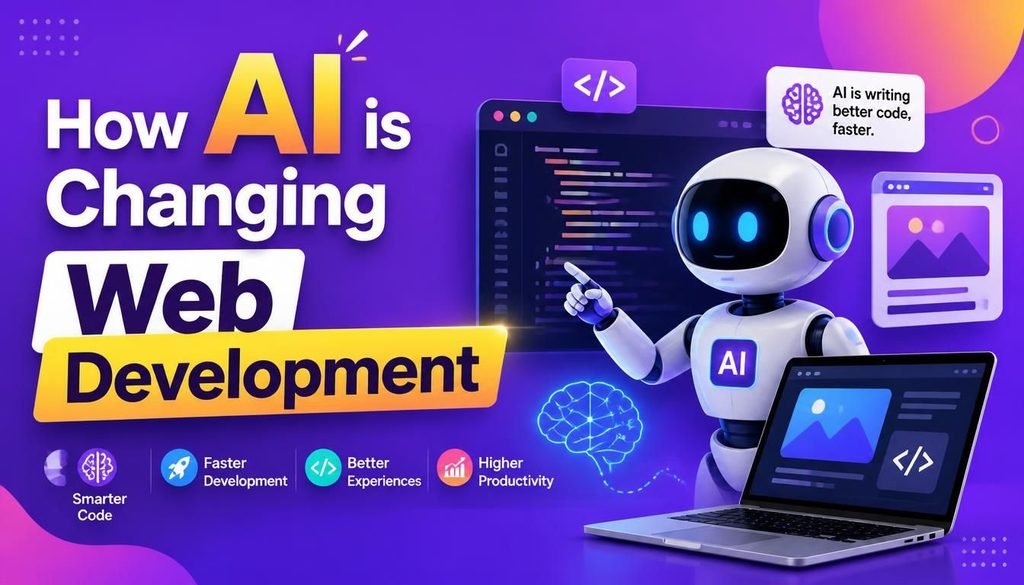
How AI is Changing Web Development in 2026

If you asked me a few years ago whether an AI could write full-stack code or build a clean landing page in seconds, I probably would have laughed. But here we are in 2026, and understanding how AI is changing web development has become part of my daily routine as a developer.
Artificial intelligence isn’t some far-off concept anymore. It’s right here in our text editors, design tools, and deployment pipelines. What used to take me two days of manual CSS tweaking and backend debugging can now be wrapped up in a few hours.
Does that mean our jobs are going away? Not at all. In fact, AI feels more like a really fast junior developer sitting next to me—it handles the repetitive, boring stuff so I can focus on building great products, designing solid system architectures, and solving real client problems.
In this guide, I’m going to break down how AI is changing web development workflows today, the exact tools I rely on, and how you can use them without losing your coding edge.
Why AI Matters More Than Ever Right Now
Let’s be honest: building modern websites today is complicated. Clients don’t just want a simple HTML brochure site anymore. They expect lightning-fast load speeds, perfect mobile responsiveness, strict data privacy, accessibility compliance, and personalized user experiences out of the box.
Trying to handle all of that manually on every single project is exhausting.
AI steps in to take that heavy lifting off our shoulders. Instead of spending hours writing boilerplate code or manually running accessibility checks, we can automate those tasks and keep our projects moving quickly without sacrificing quality.
If you want a broader look at where tech is headed this year, check out our insights on Latest Technology Trends.
Practical Ways AI Accelerates Our Daily Coding Routine
The biggest shift I’ve noticed in 2026 is raw development speed. I don’t start projects with a completely blank file anymore. Seeing how AI is changing web development speed-wise means pairing up with AI assistants that help me draft functions, catch syntax errors on the fly, and figure out unfamiliar libraries in real time.
Here is how modern developers speed up their everyday coding using AI:
- Generating Boilerplate Code: I can type a simple prompt in plain English, and the tool outputs clean HTML, Tailwind CSS, or React component structures within seconds.
- Explaining Legacy Code: When I jump into an old codebase that someone else wrote three years ago, I use AI to quickly summarize complex functions so I don’t waste hours tracing files.
- Refactoring and Cleanup: It’s great at spotting outdated functions, removing unused code, and suggesting performance cleanups.
Smarter UI/UX Design Workflows
Design has always been a bottleneck for many developers (myself included). Not all of us are born visual artists, and starting a wireframe from scratch can take ages.
Now, I use AI tools to generate layout concepts, typography pairings, and responsive wireframes right from project requirements. It gives me three or four solid visual directions to show a client in minutes instead of days.
On top of that, smart analytics tools now watch how real users click around your live site, highlighting drop-off points so you can tweak your layouts based on actual data rather than guesswork.
You can play around with modern design workflows over at the Official Figma Website.
Automated Testing and Real-Time Security
Testing used to be my least favorite part of launching a project. Writing unit tests and checking visual regression across twenty different screen sizes takes hours. Today, AI handles most of that repetitive test writing before I even push code to staging.
On the security side, things have gotten much smarter too. Modern security tools use machine learning to watch site traffic and block threats before they crash your server. They automatically catch:
- Brute-force attacks and credential stuffing
- Malicious bot networks and spam submissions
- SQL injection and API abuse attempts
Personalization, SEO, and Digital Accessibility
Web visitors expect sites to adapt to them. With modern AI tools, we can easily set up dynamic product recommendations, custom landing pages, and smart chatbots that adapt to user behavior on the fly.
From an SEO perspective, seeing how AI is changing web development makes keyword research and technical audits way faster. It points out missing internal links, crawling errors, and thin content in minutes. It also scans pages for digital accessibility issues like low contrast or missing alt text, making sure our sites work for everyone.
Limitations You Should Watch Out For
As much as I love using these tools, understanding how AI is changing web development also means acknowledging its limitations. I’ve fallen into a few traps myself, and you should watch out for them:
- Blindly Copying Code: AI hallucinated code is real. It will occasionally give you deprecated functions or subtle security bugs. Always read and test what it writes.
- Ignoring Data Privacy: Never paste sensitive client data or API keys into public AI prompts. Make sure your tool settings are set to private.
- Losing Your Fundamentals: If you rely on AI for every single line of code, your core problem-solving skills will get rusty. Think of AI as your assistant, not your brain.
Quick Comparison: What to Delegate vs. What to Keep
| Task | Delegate to AI? | My Personal Take |
|---|---|---|
| Boilerplate Code | ✅ Yes | Huge time saver. Let AI write the base structure. |
| Bug Detection | ✅ Yes | Great for catching typos and missing syntax. |
| Initial UI Mockups | ✅ Yes | Perfect for quick client brainstorming. |
| SEO Audits | ✅ Yes | Let it find broken links and missing tags. |
| Architecture Planning | ❌ No | Keep this in your hands. AI doesn’t know your client’s business goals. |
| Final Code Review | ❌ No | Always read the code before pushing to production. |
Final Thoughts
At the end of the day, seeing how AI is changing web development has completely transformed how I build for the web. Mastering these workflows isn’t about letting a computer run your business—it’s about working smarter so you can deliver better, faster websites for your clients.
The developers who thrive this year won’t be the ones trying to fight automation, nor will they be the ones blindly pressing “generate” without understanding the output. The real winners are those of us who use these tools to sharpen our craft.
How are you using AI in your own projects this year? Have you found a tool that completely changed your workflow, or are you still skeptical? Drop a comment below and let’s talk about it!