Cloud Computing Guide for Small Businesses (2026)

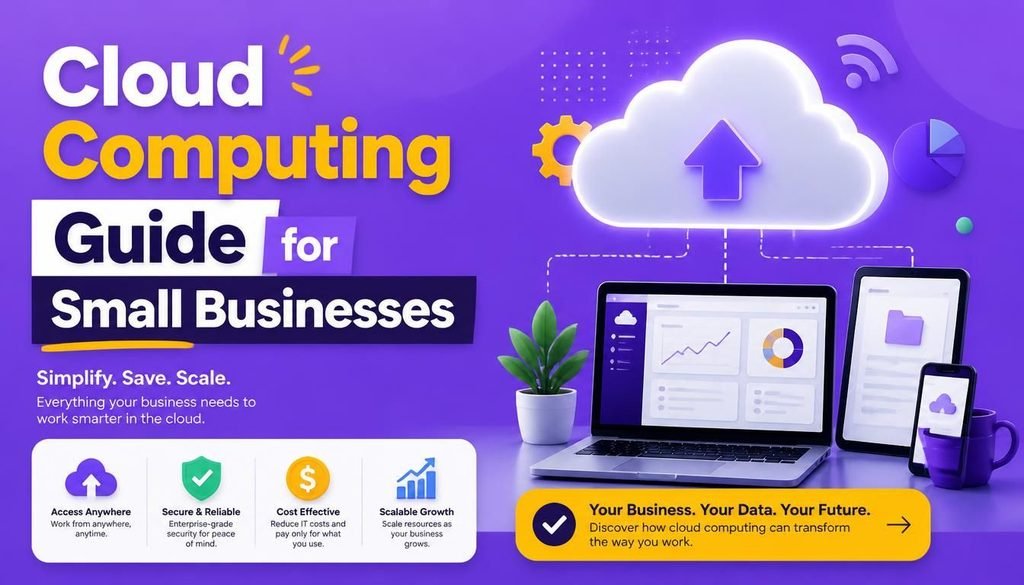
Running a small business has never been more exciting—or more challenging. Whether you’re managing a remote team or running a local store, customers expect fast service, secure transactions, and easy communication. At the same time, business owners need affordable technology that grows alongside their companies. That’s where this ultimate cloud computing guide for small businesses comes in.
Cloud technology is no longer something only large corporations can afford. In 2026, small businesses of every size are using cloud services to reduce costs, improve collaboration, strengthen security, and operate from anywhere. Whether you’re running a retail shop, marketing agency, online store, accounting firm, or local service business, moving to the cloud can simplify your daily operations.
This complete cloud computing guide for small businesses explains everything you need to know about cloud migration in 2026, choosing the right cloud services, improving security, and maximizing your technology investment.
What Is Cloud Computing for Small Business Owners?
To keep this cloud computing guide for small businesses simple, let’s break down what the cloud actually is. Cloud computing means using computing services over the internet instead of relying solely on physical computers or expensive servers inside your office.
Instead of buying expensive hardware that breaks down over time, you rent digital resources such as:
- File storage
- Business software
- Email services
- Virtual servers
- Data backup
- Databases
- AI-powered business tools
You simply log in through the internet and access everything from almost any device. Think of the cloud as renting office space instead of buying an entire building—you only pay for what you actually use.
Why Cloud Computing Matters for Small Businesses in 2026
Technology has transformed the way modern companies operate. Employees work remotely, customers shop online, and businesses collect more data than ever before. Any practical cloud computing guide for small businesses must highlight how cloud services make managing these daily tasks simple and affordable.
Here are the biggest reasons small businesses are ditching old servers and moving to the cloud:
- Lower IT Costs: Eliminates the need to buy, power, and maintain expensive on-premise servers.
- Better Data Security: Enterprise-grade encryption and access controls protect sensitive financial data.
- Automatic Software Updates: Cloud vendors automatically update software with the latest features and security patches.
- Faster Collaboration: Teams can co-edit files simultaneously from different locations without delay.
- Easy Scalability: Easily add or reduce user licenses based on seasonal business demands.
- Reliable Disaster Recovery: Automated off-site backups ensure your data survives fire, hardware theft, or natural disasters.
- Remote Access Anywhere: Access business applications seamlessly via desktop or mobile devices.
Instead of worrying about maintaining expensive hardware, adopting the strategy in this cloud computing guide for small businesses lets you focus entirely on growing your revenue.
Main Types of Cloud Services Explained
Understanding the basic cloud models is a crucial part of any cloud computing guide for small businesses, as it helps you choose the right setup for your specific business operations.
1. Software as a Service (SaaS)
SaaS remains the most popular cloud model for small businesses. You simply use software through your web browser without the need to install complicated programs. Popular examples include:
- Customer Relationship Management (CRM) platforms
- Accounting software (e.g., QuickBooks Online, Xero)
- Business email platforms (Google Workspace)
- Project management tools (Trello, Asana, Monday.com)
- Video conferencing and communication platforms
Benefits include:
- Monthly or annual subscription pricing
- Automatic security updates and feature rollouts
- Quick setup with zero installation hassle
- Universal access across all operating systems
- Zero physical server maintenance requirements
2. Platform as a Service (PaaS)
PaaS provides software developers with tools to build, test, and launch applications without managing complex backend infrastructure. Small software companies, app developers, and tech startups often choose this option because it drastically saves development time and infrastructure overhead.
3. Infrastructure as a Service (IaaS)
IaaS provides virtual servers, networking, and raw storage capabilities (such as Amazon Web Services, Microsoft Azure, or Google Cloud Platform). Instead of purchasing physical hardware racks, businesses rent computing infrastructure on-demand. This works best for growing companies with custom software demands.
Essential Cloud Tools Every Small Business Needs in 2026
To stay competitive, modern companies rely on a solid ecosystem of specialized cloud platforms. As recommended throughout this cloud computing guide for small businesses, here are the top tools you should consider:
| Category | Recommended Cloud Tools | Core Primary Benefit |
| Office Productivity | Microsoft 365, Google Workspace | Real-time document collaboration and professional email hosting. |
| Cloud Storage | Google Drive, Dropbox, OneDrive | Secure file sharing, automatic syncing, and cross-device access. |
| Accounting & Invoicing | QuickBooks Online, Xero | Automated tax reporting, customer invoicing, and expense tracking. |
| Customer Management (CRM) | HubSpot, Salesforce Small Business | Lead tracking, automated marketing, and customer communication history. |
| Communication | Slack, Zoom, Microsoft Teams | Instant messaging, voice calls, and video meetings for remote teams. |
Key Cloud Storage Benefits for Small Businesses
One of the main takeaways in this cloud computing guide for small businesses is that adoption usually starts with storage. Moving your files to secure online storage goes far beyond simply saving documents on the web:
- Easy File Access: Employees can access documents from office computers, home offices, smartphones, tablets, and laptops. This flexibility supports smooth remote and hybrid workplace environments.
- Automatic Backup Systems: Cloud providers automatically back up your files, reducing the risk of losing critical business data. If an employee’s computer breaks or gets stolen, your business information remains safe and recoverable.
- Seamless Team Collaboration: Multiple employees can edit documents simultaneously without sending numerous email attachments back and forth. Everyone always works on the absolute latest version.
- Better Organization & Search: Cloud storage platforms feature advanced search engines, metadata tags, and folder permissions, making finding critical files simple.
To learn more about optimizing your digital setup, check out our Latest Technology and Software Services Guide.
Cloud Security Best Practices in 2026
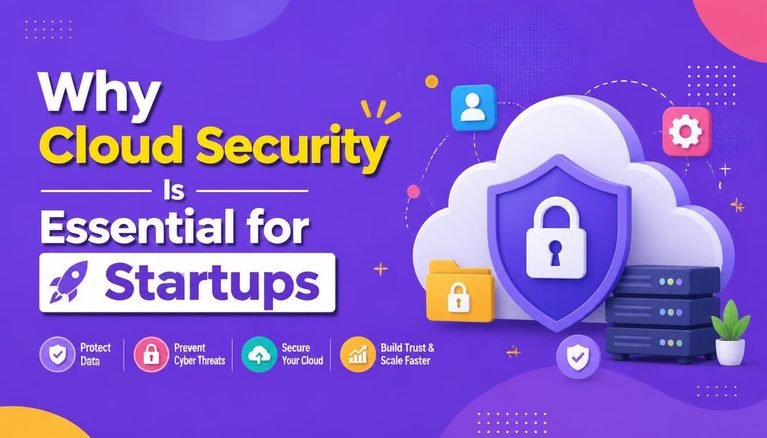
Security remains a top concern for business owners transitioning to online platforms. Cyber threats evolve continuously, but following the security principles in this cloud computing guide for small businesses keeps your data safe.
1. Enable Multi-Factor Authentication (MFA)
Require every team member to use Multi-Factor Authentication (MFA) when logging into business apps. MFA adds an extra layer of protection by requiring a secondary verification code sent to an authenticator app or phone.
2. Set Up Role-Based Access Controls
Not every employee needs access to all company files. Implement role-based permissions so staff members only access documents relevant to their specific job responsibilities.
3. Regularly Educate Employees on Cyber Threats
Human error accounts for a large percentage of security breaches. Train your team regularly on how to spot phishing emails, suspicious links, and compromised login pages.
4. Implement Strong Password Management
Encourage staff to use dedicated password managers to generate, store, and auto-fill complex passwords. Avoid reusing weak or identical passwords across multiple business platforms.
Cloud Migration 2026: How to Move Without Stress
Many business owners worry that moving to the cloud will be difficult or cause costly downtime. Modern tools make the entire transition simple and stress-free. Here is the step-by-step framework recommended in our cloud computing guide for small businesses:
Step 1: Review Your Current Systems & Applications
Begin by auditing your existing software, data storage requirements, network infrastructure, security policies, and daily workflow applications. Knowing what hardware and files you currently have helps build a smooth migration roadmap.
Step 2: Choose the Right Cloud Provider
Evaluate prospective cloud providers carefully. Look for vendors offering robust end-to-end security encryption, guaranteed 99.9% uptime SLAs, clear subscription pricing structures, reliable 24/7 technical customer support, and seamless data migration utilities. Don’t automatically choose the absolute cheapest option—long-term reliability and platform security matter far more.
Step 3: Create a Phased Migration Schedule
Avoid trying to move every business department at once. Start small by migrating non-critical systems first, such as general team file storage or internal messaging. Once your staff gets comfortable with cloud workflows, gradually migrate financial data, CRMs, and core operational software.
Step 4: Move and Validate Data Carefully
Ensure your corporate data is structured, cleaned up, backed up off-site, and verified for accuracy during migration. Testing everything thoroughly minimizes potential disruptions to your daily commercial operations.
Final Thoughts on Cloud Migration in 2026
Moving your company to the cloud doesn’t have to happen overnight. You can start small—perhaps by moving your file storage or accounting software first—and scale up as your team grows comfortable. By following this cloud computing guide for small businesses today, you set your business up for better security, lower IT overhead, and seamless growth in 2026 and beyond.
Share Your Thoughts
What cloud tools is your business currently using for daily operations? Have a question about applying this cloud computing guide for small businesses to your workplace or managing data migration? Leave a comment below—we’d love to hear your thoughts and help you out.